Ask about this project
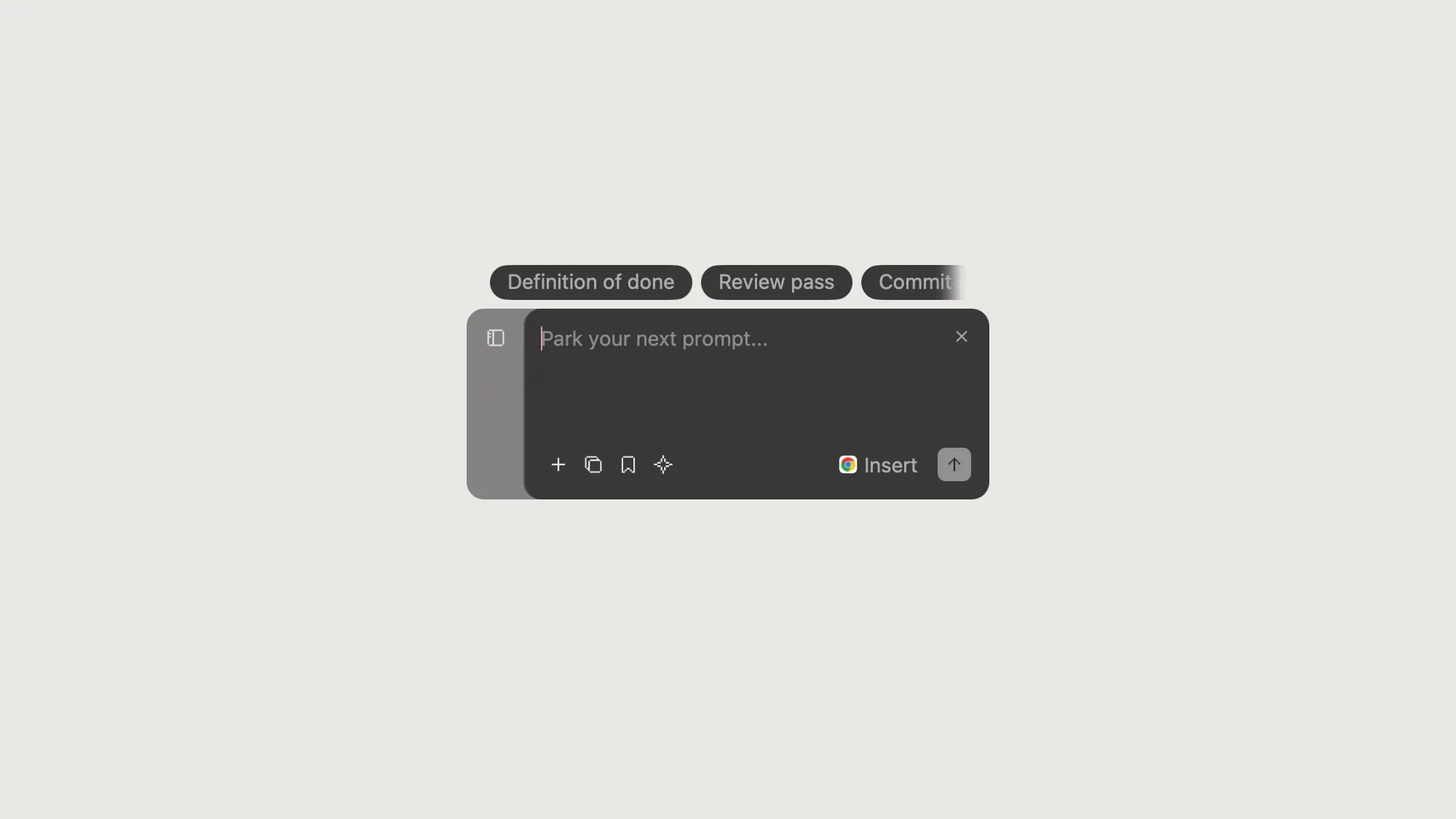
The Jellypad composer waiting above the Dock
Side Project

Jellypad.

A native macOS overlay that parks your next prompt while the agent is still working.

Role Design + Development
Category macOS App
Year 2026
Scope Design, Development & Design System
Context Personal Side Project
Year 2026
Role
Product Design Interaction Design Swift / AppKit Development Design System Transcription
Designed For
Coding Agent Workflows Terminal-First Developers Anyone Mid-Thought

A coding agent runs for minutes. Your next thought arrives in seconds.

There are only two things you can do with that thought today, and both are bad. Interrupt the run and risk dropping a half-formed prompt into a live confirmation gate, or hold it in your head until the agent finishes and hope it survives the wait. It rarely does.

Jellypad exists for the gap between those two. One shortcut opens a panel over whatever you were doing, you leave the thought there, and it waits. The north star was written before a single line of Swift: your thoughts should wait for the agent, not the other way around.
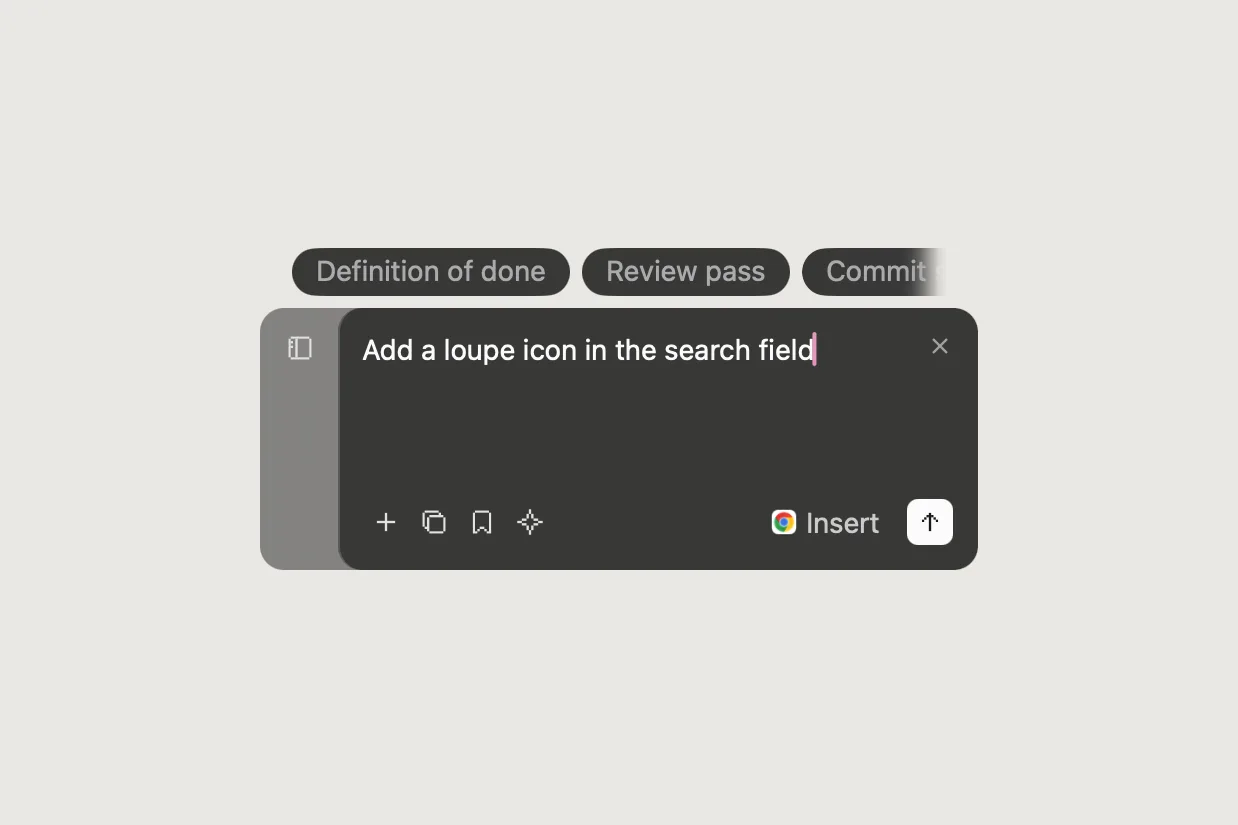
The Jellypad composer holding a typed prompt
Click to preview

The clipboard pushes. Jellypad waits to be pulled.

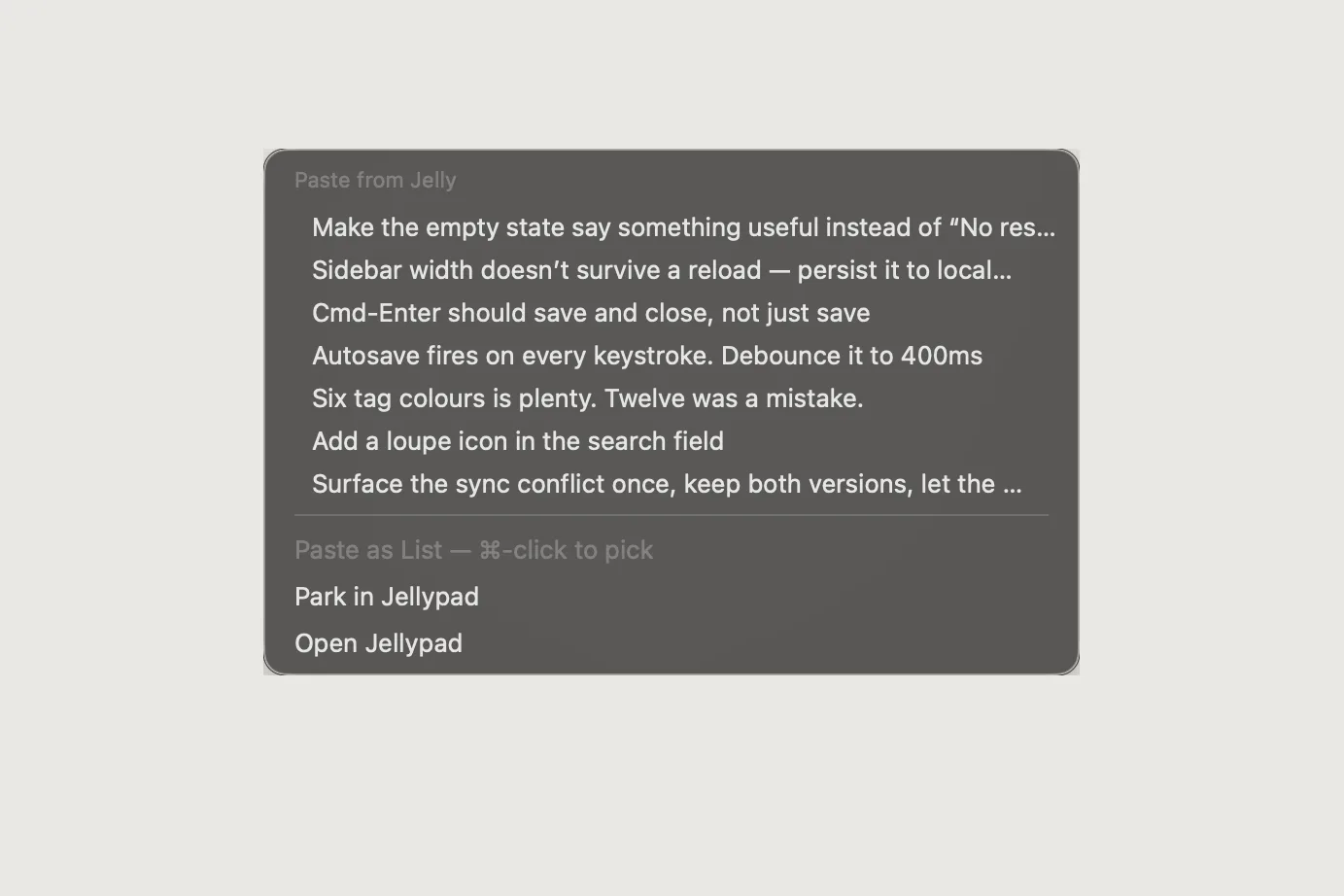
A notification interrupts you. A queue answers for you. Jellypad does neither — it holds the thought exactly where you left it and hands it back only when you ask for it. Recall lives on the same shortcut that parked it, and what lands in the field is a real ⌘V, so a terminal running bracketed paste treats it like a paste you typed yourself. Nothing is submitted on your behalf.

Pull, not push. That single decision is the whole product. The agent keeps its turn, and you keep yours.

The Jellypad recall menu open at the text caret
Click to preview

Every parked thought stays visible, in order, until you spend it.

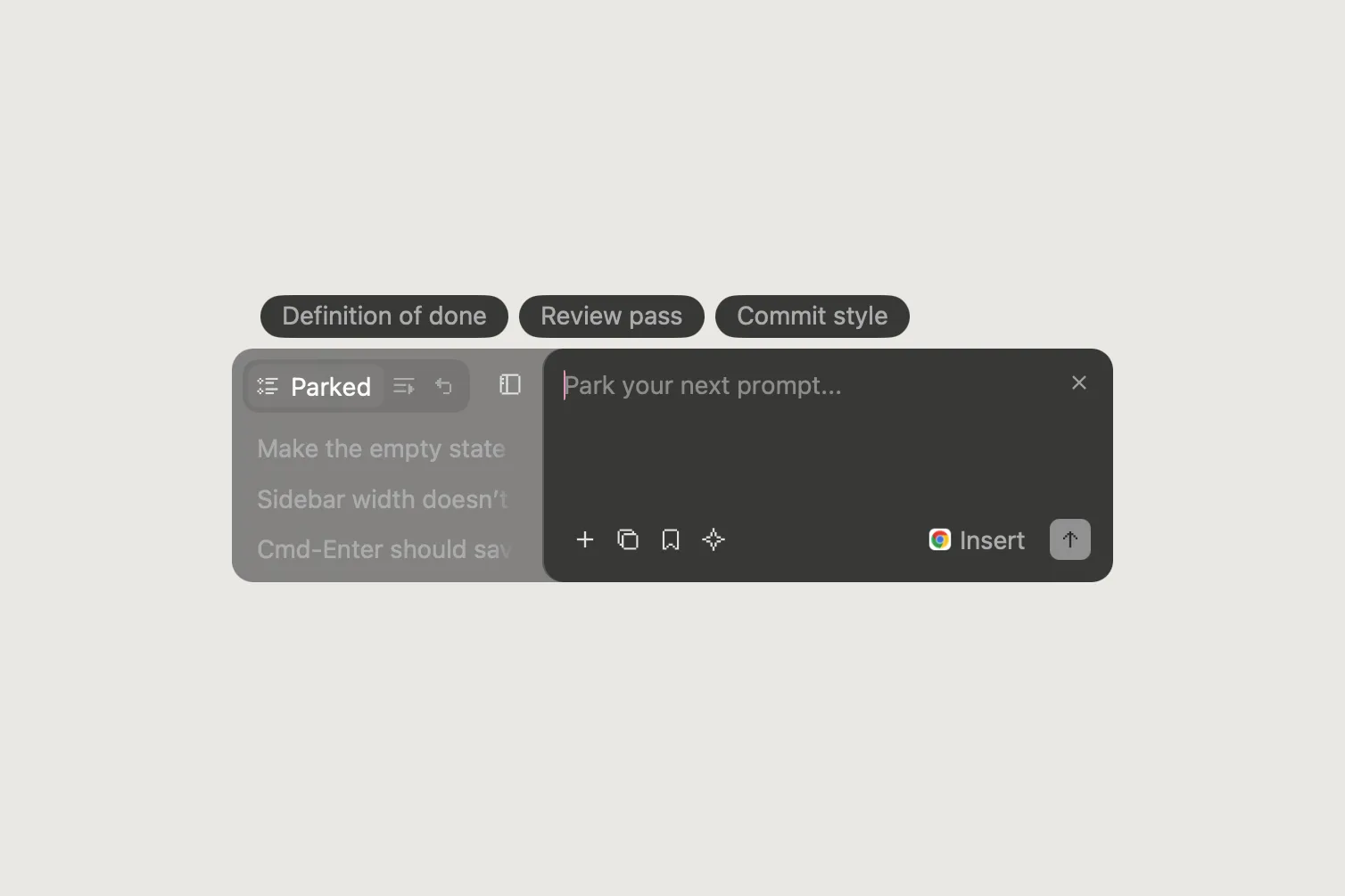
Parked prompts sit in a rail beside the composer. Nothing hides behind a menu you have to remember to open, because the rail is the receipt: proof that the thought was caught. Each pill can be recalled, edited, hidden, or dropped.

The panel never changes height. It widens from 336 to 460 points when the rail appears, and that is the only movement — so the window cannot jump under the pointer while you are typing into it.

Three parked prompts in the Jellypad rail beside the composer
Click to preview

Return parks. The send plane answers with a check, the rail glides open, and the thought lands at the top of the list — 6.8 seconds, unedited.

Native, and honest about it.

Jellypad is Swift and AppKit with nothing else linked in. Its state is a single JSON file written atomically, so a crash mid-write cannot corrupt the store, and an older build still opens a file a newer one wrote.

It claims exactly one global shortcut and never registers a second. The icons are transcribed by hand from pixelarticons as rectangles inside a twelve-unit box, so they stay crisp at menu-bar size on any display.

0
Runtime Dependencies Swift and AppKit only, so there is no package graph to break
0K
Binary Size Small enough to launch before you finish reaching for the shortcut
0
Global Shortcut ⌘⇧Space parks and recalls; nothing else is taken from the system
Cult Country
Next Project

Cult Country